Creating Recipes Using CSV Data
Overview  26.4 Creating Recipes Using CSV Data
Steps 26.4.1 Procedure - Creating Recipes with Excel (CSV Data)
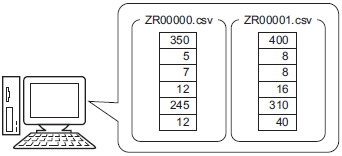
Create a recipe as a CSV file with Microsoft Excel or GP-Pro EX.
Creating Recipes Using CSV Data Overview Steps |
|---|
Create a recipe as a CSV file with Microsoft Excel or GP-Pro EX.
|
Transferring CSV Data Recipes Using Touch Overview Steps |
|---|
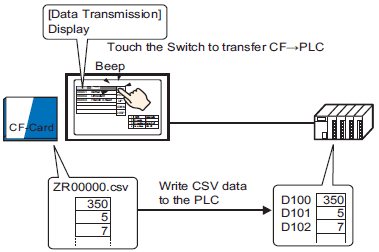
Touch the Special Data Display [Data Transmission] transfer switch on the screen and transfer the selected CSV data.
|
Transferring CSV Data Recipes from the Device Overview Steps |
|---|
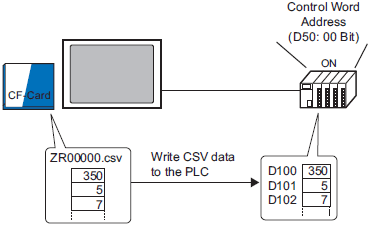
Transfer CSV data by turning ON a designated control address.
|
Displaying/Editing CSV data on the Screen Overview Steps |
|---|
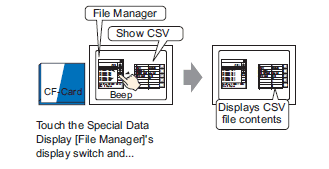
Display the CSV data on the external storage device on the special data display [CSV display].
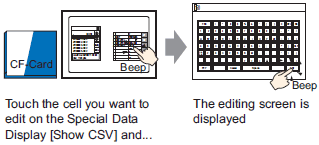
Edit CSV data in the external storage directly on the screen.
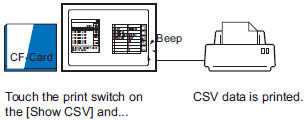
Print CSV data that displays on the [CSV display].
|
Creating Recipes Using Filing Data Overview Steps |
|---|
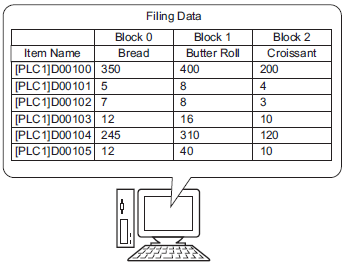
Create filing data recipes in GP-Pro EX.
|
Transferring Recipes (Filing Data) Using Touch (Manual Transfer) Overview Steps |
|---|
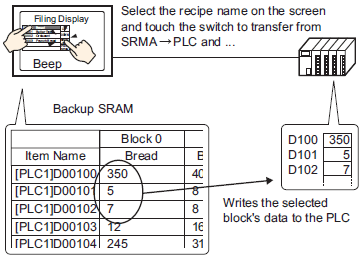
Touch the Special Data Display [Filing] transfer switch on the screen and transfer the selected recipe.
|
Transferring Recipes (Filing Data) from Devices Using Automatic Transfer Overview Steps |
|---|
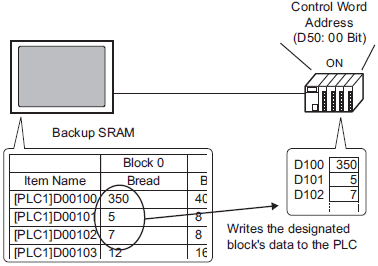
Transfer Filing data by turning ON a designated control address.
|
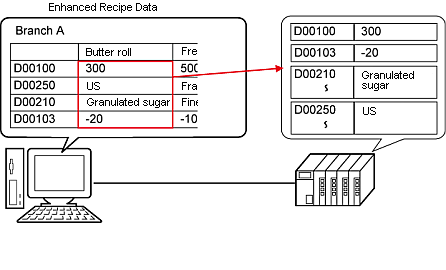
Creating and Transferring Enhanced Recipe Data Overview Steps Transfer |
|---|
|
Importing and Exporting Enhanced Recipe Data Overview Operation |
|---|
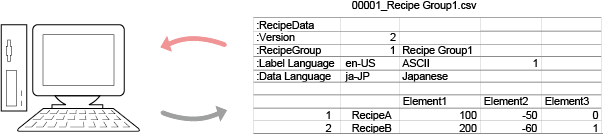
Import/Export each enhanced recipe group to a CSV file.
|
Editing Enhanced Recipe Data With CSV Files |
|---|
|
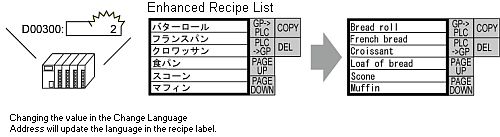
Changing Enhanced Recipe Labels to Other Languages Overview Steps |
|---|
|
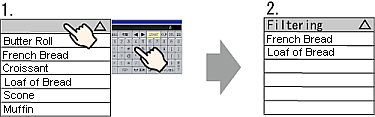
Searching and Sorting Enhanced Recipe Data Overview Steps Operation |
|---|
|
Searching Enhanced Recipes with System Variables |
|---|
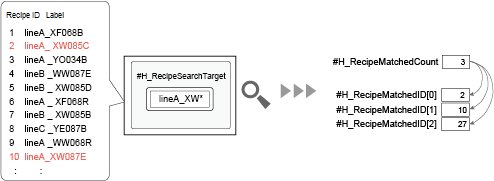
Using system variables, you can specify text to search, run searches, and check the search results.
|
Editing Specific Element Values in Enhanced Recipes |
|---|
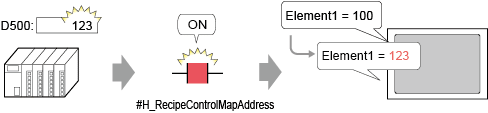
Reflect changes in Enhanced Recipe element values from mapped addresses.
|
Confirming Which Enhanced Recipe's data is Transferred
|
|---|
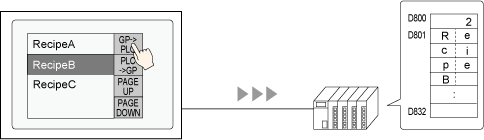
When you transfer enhanced recipes to the device/PLC, you can write the recipe ID and recipe name of these enhanced recipes to a defined address.
|