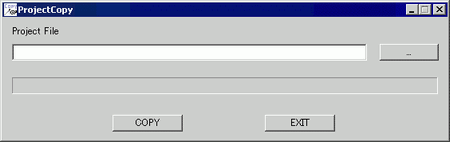
On the [Start] menu, click [All Programs], point to [Pro-face], [WinGP], and then click [Project Copy] to launch the project copy tool. Only the screen data of the project file can be copied to WinGP.
Project file
Enters or displays the project file path to be copied.
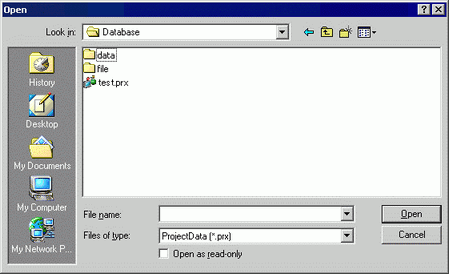
Browse
Specifies the project file location to be copied.
Copy
Starts copying a project file.
Exit
Exits ProjectCopy.