-
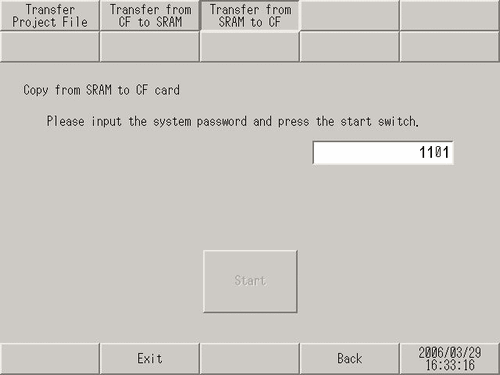
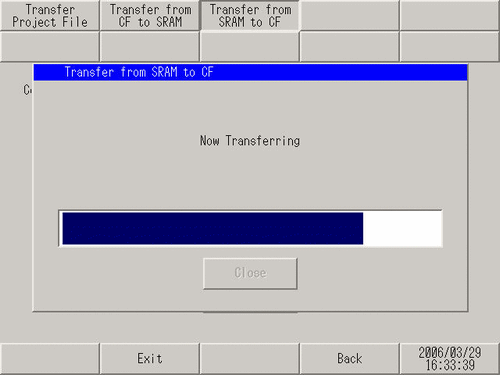
You can only back up 1 file of backup data to a CF/SD card. When backup data already exists on a CF/SD card, the file is overwritten.
-
To transfer the data backed up on the CF/SD card to the display unit (return to backup memory), on the [Transfer] screen, touch [Transfer from CF to SRAM]/[Transfer from SD to SRAM] and follow the same steps as above.
However, if in the meantime you transfer a project with a change in how the backup memory feature is used, you will not be able to return the backup data to the display unit as the CF/SD card backup data will not match the project.
 M.17.7.2 Transfer - Transfer from CF to SRAM / Transfer from SD to SRAM